Service: 3D Design
At MadeIn3D, we bring your ideas to life through three-dimensional design, adapting to the type of project you require.
Not all 3D designs are the same: depending on the end goal, whether it is a technical part or an artistic figure, we use different tools and approaches.
That is why we differentiate between technical design and organic design: two styles that complement each other to meet any need, from the industrial to the artistic world.
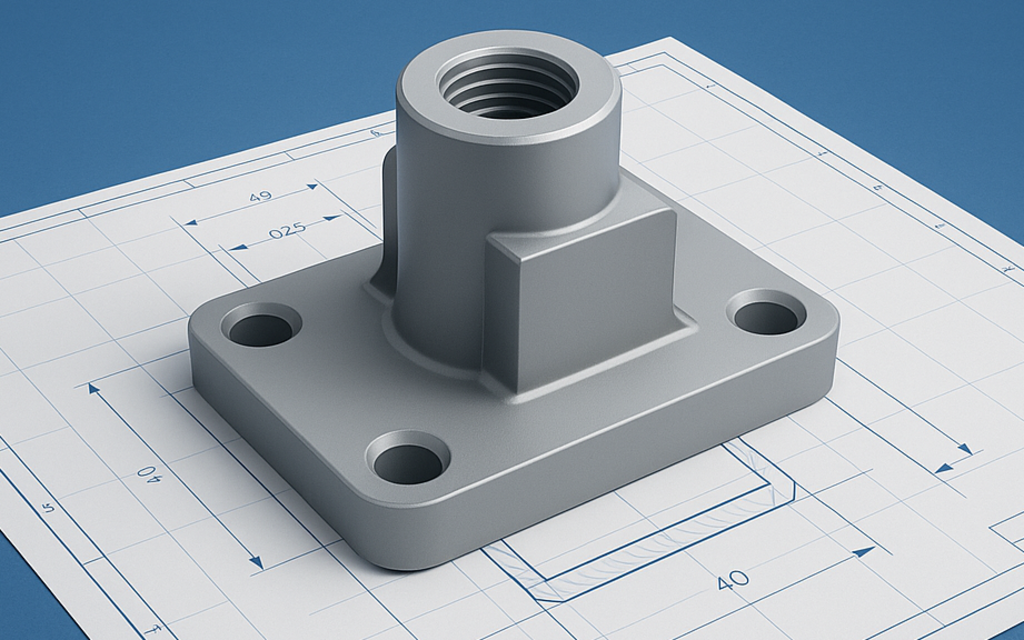
Technical Design
The technical design focuses on precision, measurements, and functionality.
We use professional CAD software, such as Fusion 360, to create mechanical parts, functional prototypes, adapters, casings, or custom components.
This type of design is intended for projects where every millimeter matters:
Assemblies that must fit perfectly.
Parts subjected to stress or movement.
Objects that require exact tolerances for 3D printing or machining.
The result is a solid model, optimized for manufacturing with PLA, PETG, ASA, resin, metal, or laser cutting, depending on the intended use.
Coming soon...
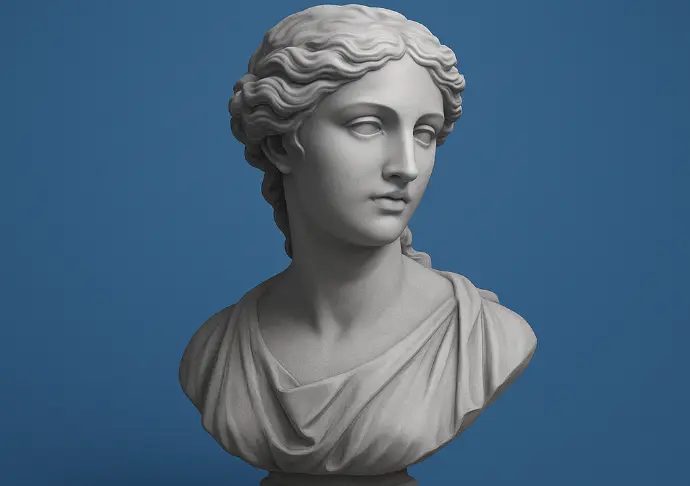
Organic Modeling / Design
The organic design focuses on natural shapes, smooth curves, and artistic details.
We use sculpting modeling tools, such as ZBrush or Blender, to create figures, characters, trophies, busts, or decorative pieces with a unique aesthetic.
Here, the important aspect is not millimeter precision, but the expressiveness and realism:
Models with textures, folds, and complex surfaces.
Sculptures inspired by people, animals, or characters.
Artistic designs that aim to convey emotion and detail.
This style is ideal for creative, personalised or collectible projects, perfect if you are looking for a design with its own character and personality.
📦 What the service includes
3D model design from scratch or based on references
Modifications and adjustments agreed upon during the process
Delivery of the file in STL, OBJ or STEP format (as required)
Model optimized for 3D printing or other defined uses
Technical advice during the design development process
ℹ️ Important considerations
The design is based on the information and references provided by the customer.
Significant changes not initially contemplated may incur an additional cost.
The delivered file is valid for the agreed use; other uses may require additional adjustments.
The design service does not automatically include 3D printing, unless contracted jointly.
Which one to choose?
If you need a functional piece, with exact measurements and designed for printing or manufacturing, choose Technical Design.
If you are looking for a freeform, aesthetic, or creative shape, choose Organic Design.
And if your project combines functionality and aesthetics, we help you define the most suitable approach according to the final use of the design.
Service process
The stages we will go through from the moment you explain the idea to us until we finish the final design.
Preparation
During this first phase, we will analyze and choose the methods we will use to achieve the target design. The more information provided in this step, the fewer adjustments will be needed in the following steps.
Designed
In this second phase, with all the information gathered during thepreparation,we will start to add somebrushstrokesto the design, to generate a basic concept that we will refine with each version.
Prototyping
In designs that need to fit with other pieces, or that require some type of alignment (screws) with other models, it is highly recommended to start printing prototypes to verify that the design is adapting correctly to reality.
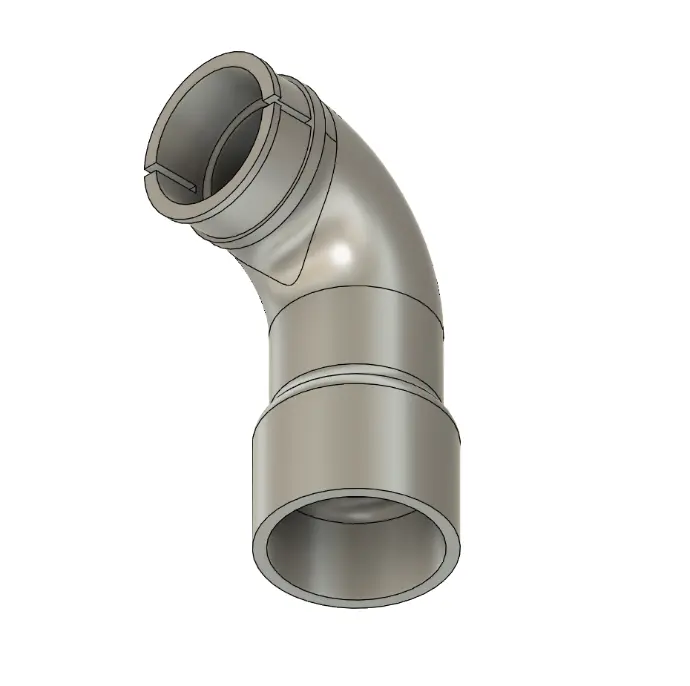
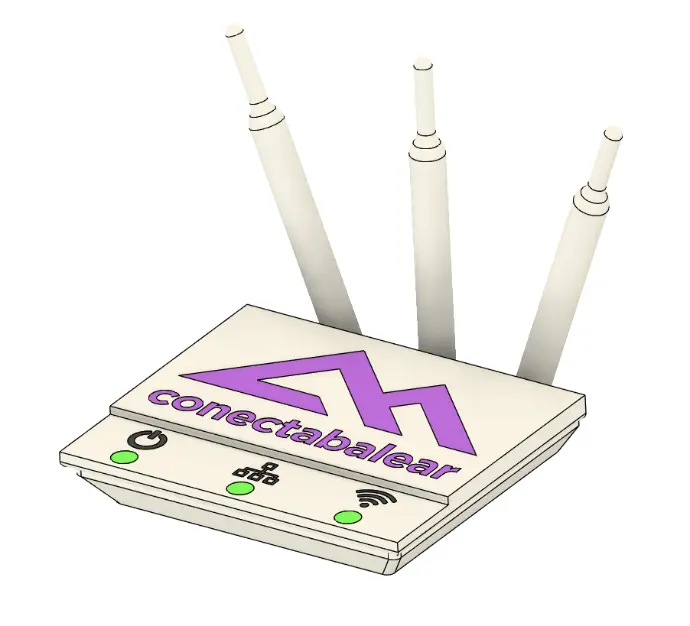
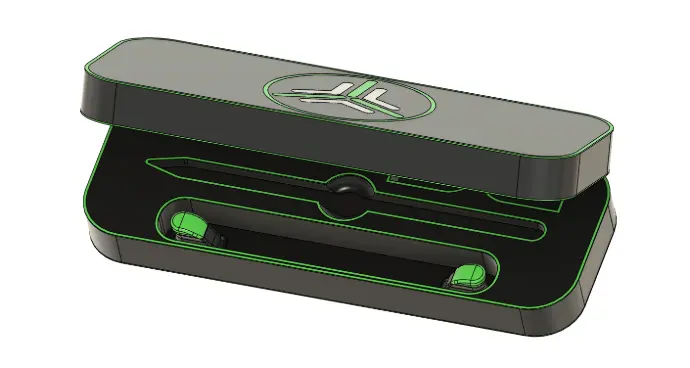
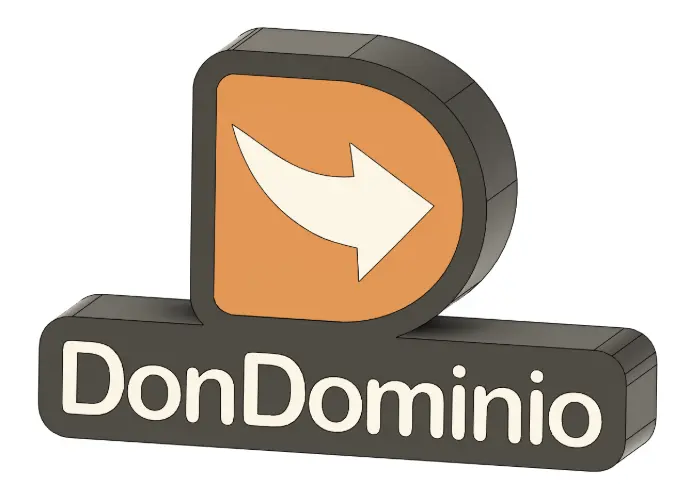
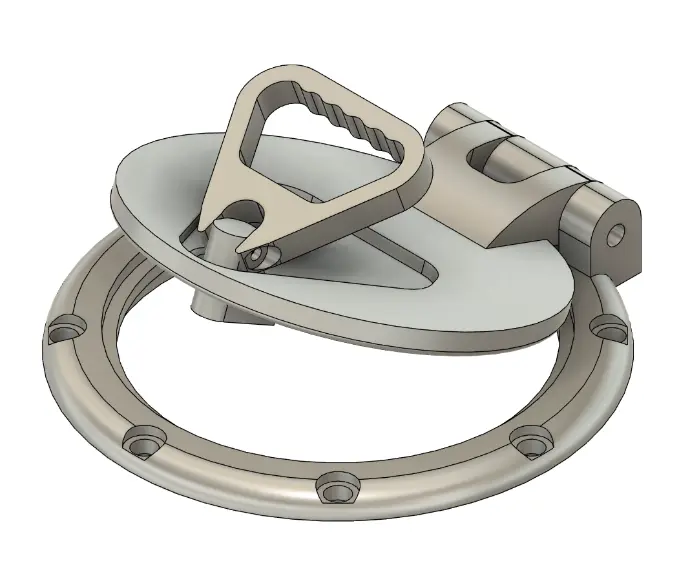
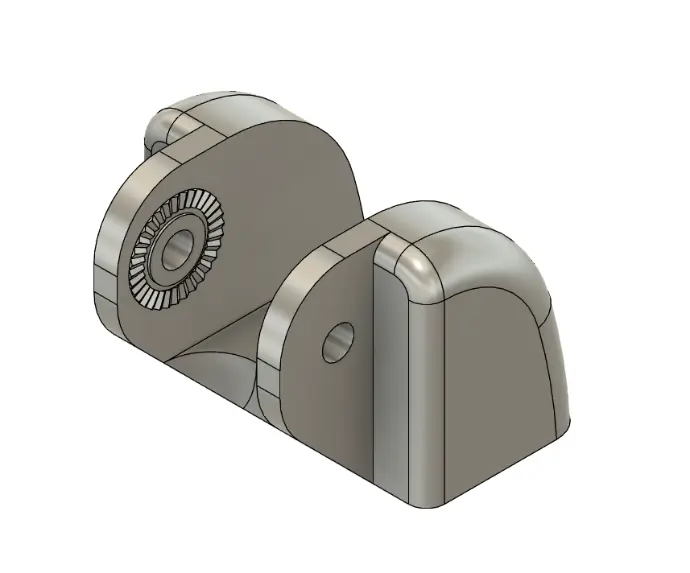
Some of our 3D designs.
Frequently Asked Questions
These are some common questions about the 3D design service.
The price of the service will depend on many factors, although mainly on the time dedicated to the design. The first step (Preparation) will help us gather all the necessary information to reduce the design time, or redesign in case modifications are needed.
If you wish to print prototypes to further refine the final design, there may be additional costs for 3D printing.
You can contact us without obligation, and we will provide you with more details tailored to the idea you present to us.
- .F3D: Editable Fusion360 project with history and assemblies.
- .STEP / .STP: Standard engineering format, compatible with other programs (SolidWorks, CATIA, etc.).
- .IGES / .IGS: Similar to STEP, but more surface-oriented.
- .STL: Ideal for 3D printing (without color or textures).
- .OBJ: Alternative to STL, supports color and materials.
- .DXF / .DWG: For laser cutting or technical plans.
- .PDF 3D: Allows viewing the 3D model in an interactive PDF.
These are the other formats you can obtain from a organic design.:
- .ZTL: Editable file with subtools and sculpting details.
- .OBJ: Wide compatibility, maintains geometry and base color.
- .STL: Simplified version for 3D printing.
- .FBX: Compatible with animation, rigging, and rendering engines.
- .GLB / .GLTF: Ideal for displaying the model on websites or online viewers.
- .PLY: Includes color information and detailed vertices.
- .BLEND: Editable file with materials, lights, and cameras.
It is possible to design "almost anything". You must keep in mind that the more complex the design you want to achieve, the more time and information will be needed to complete the design. For example, sketches are very helpful "on paper (and attach that sketch to us), or a "blueprint" of a technical piece, with all the measurements of the piece.